Sie entscheiden wie Sie die F120 nutzen

als


-Angriff ein Knopf Kamera

-Taktik Kamera

-Taktik UVA


3 in 1 Kamera zu einen Preis

Konfigurieren Sie ihre Kamera nach Ihren Bedürfnissen


You decide How to use the F120


•Attack One Button Camera

•Tactics Camera 

•Tactics / UVA Camera


3 in 1 camera at one price.


 Configure your camera according to your needs


Der Anwender kann die Kamera individuell nach seinen Vorstellungen einfach Konfigurieren.


The user can easily configure the camera individually according to his ideas.


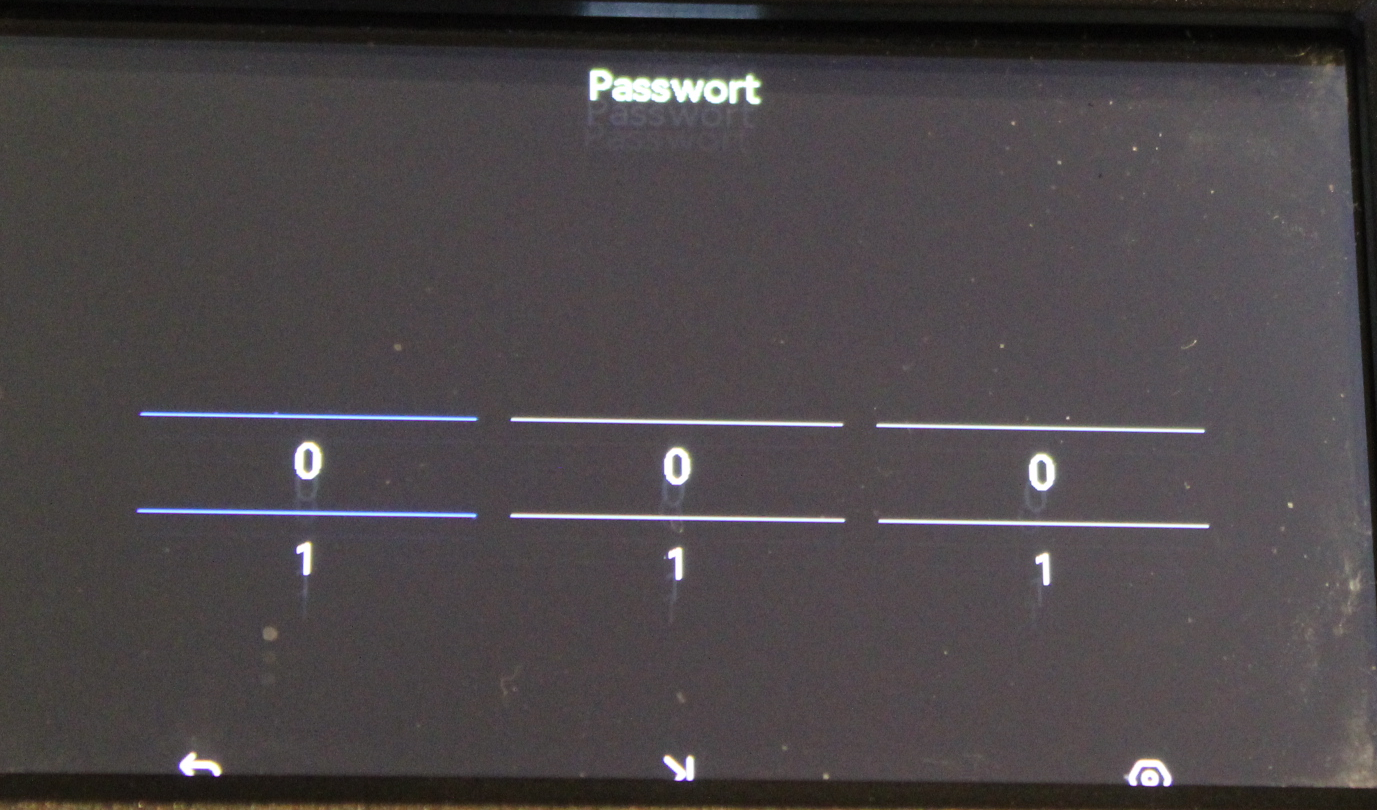
Rechter/Linken Button gleichzeitig drücken.

Die Konfiguration ist Passwort geschützt


Mit diesen Passwort geschützten Menü habe Sie die Möglichkeit. Die Kamera so zu Konfigurieren wie Sie Möchten.-Freie Vergabe vom dreistelligen Passwort.

Press the right/left button at the same time.

The configuration is password protected


With this password protected menu you have the option. Configure the camera the way you want.

-Free assignment of the three-digit password.

Text...

WAS KÖNNEN SIE ALLES KONFIGURIEREN

BEI DER F120


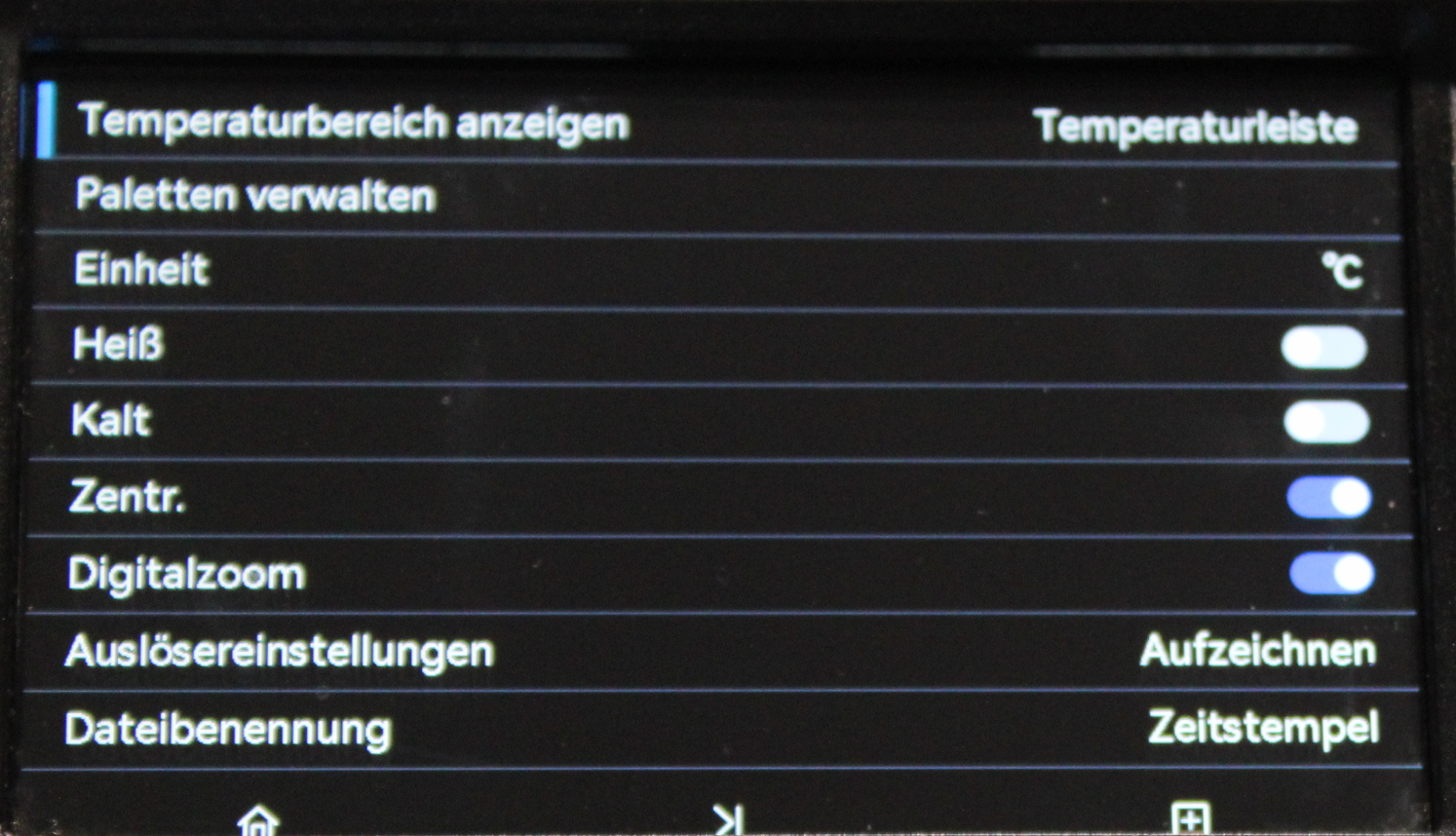
-Temperaturleiste-Balken-Nur Zahl

-SW Mode

-WS Mode

-Brandbekämpfung Mode

-Retten Mode

-HotSpot Mode

-C/F/K   Temperatur Messung

-Hot Tracker

-Cold Tracker

-Zentraler Messpunkt

-Zoom 2/4   An / Aus

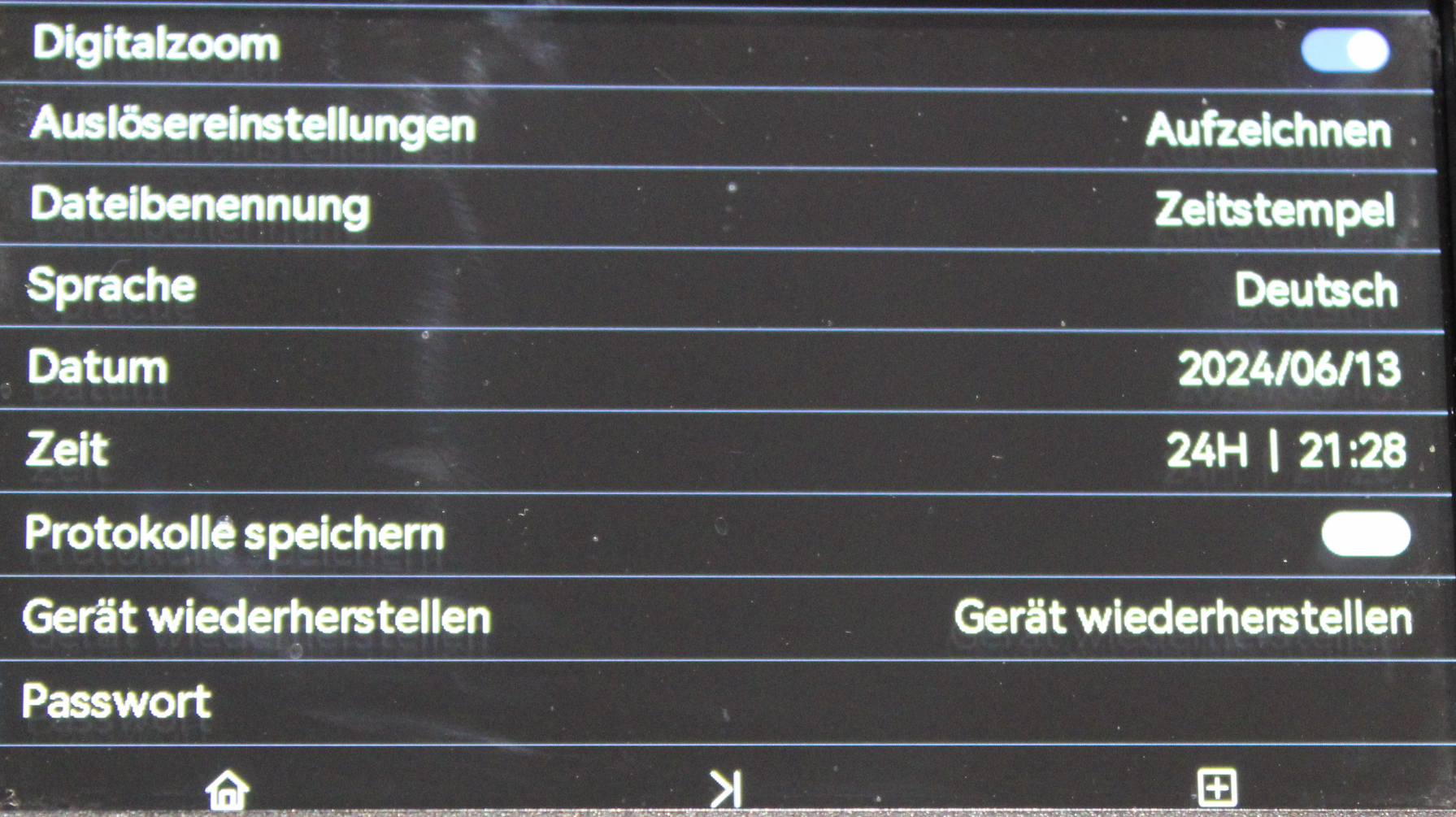
-Speicher Foto-Video  1sec.-3sec.  / Freeze  / Aus

-Speicherung Daten Zeitstempel oder Numerisch

-Sprache

-Datum

-Uhrzeit   24/12H 

-Protokoll speichern   An/Aus

-Gerät Reset

-Passwort Vergabe

-Wifi

-Compass

-Datum / Uhrzeit im Bildschirm

WHAT YOU CAN CONFIGURE ON THE F120


-Temperature Bar Bar Number Only

-W/B Mode

-B/W Mode

-Fire Fighting Mode UVA

-Rescue Mode

-HotSpot Mode

-C/F/K Temperature Measurement

-Hot Tracker

-Cold Tracker

-Central measuring point

-Zoom 2/4 on/off

-Memory photo video 1sec.-3sec.  /Freeze/Off

- Storage Data Timestamp or Numeric

-Language

-Date

-Time 24/12H 

-Save log on/off

-Device Reset

-Password assignment

-Wifi

-compass

-Date and time in the screen

.

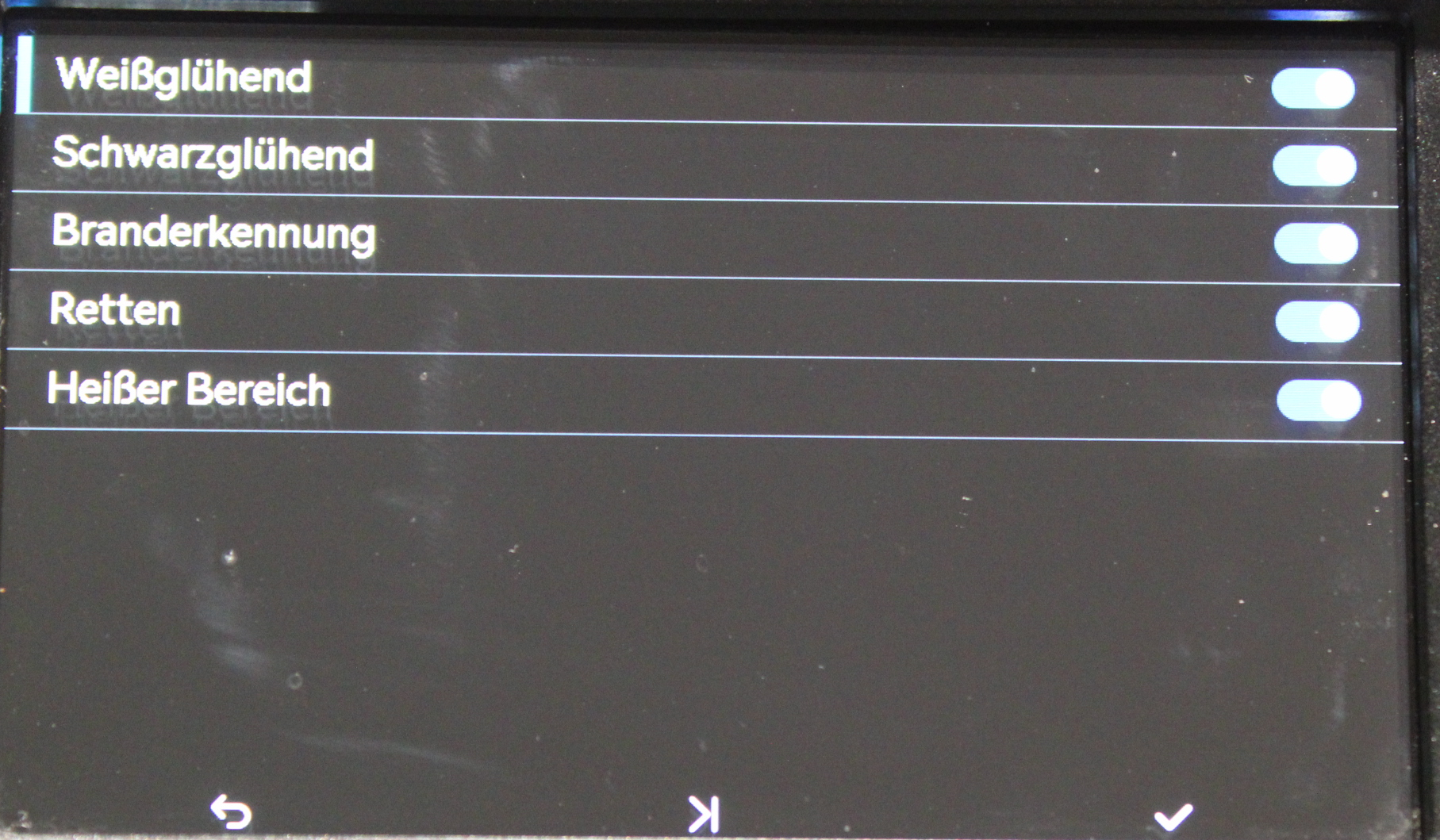
Konfiguration der Modi

-NFPA Mode bleibt immer als Grundmode bestehen.


-S/W Mode   Weiss/Warm  Schwarz/Kalt

-W/S Mode    Schwarz/Warm  Weiss/Kalt

-Branderkennung   Darstellung bis 1200°  Taktik UAV

-Retten            ab 100° Gelb/Ornge/Rot  bis 250°

-Hotspot        


Modes Configuration

-NFPA fashion always remains as the basic fashion.


-B/W Mode White/Warm Black/Cold

-W/S Fashion Black/Warm White/Cold

- Fire detection display up to 1200° tactics UAV

-Rescue from 100° Yellow/Ornge/Red up to 250°

-Hotspot



Sie entscheiden wie Sie die F120 nutzen wollen.

Das ganze Passwort geschützt.


You decide how you want to use the F120.
The whole password protected